


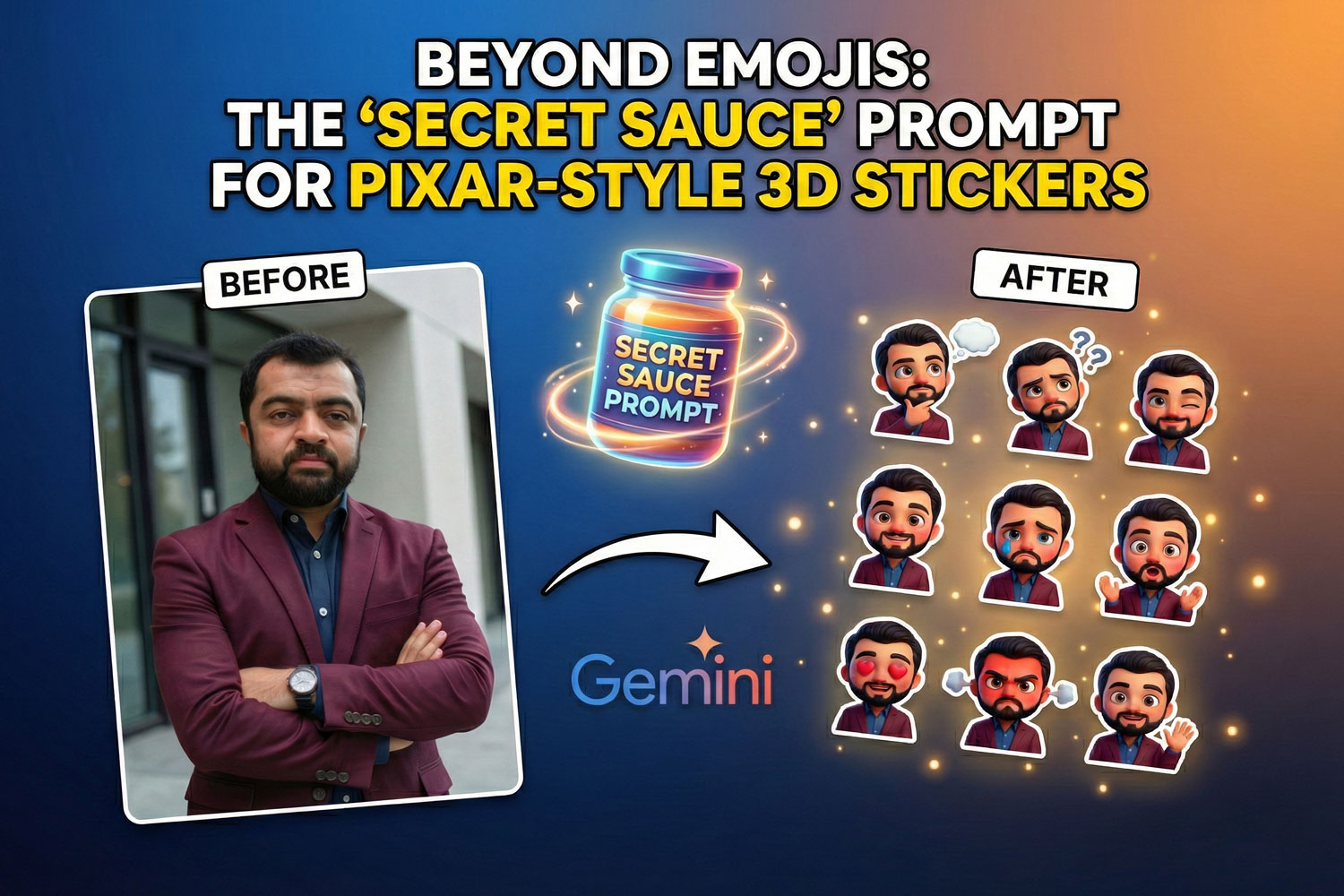
Normal emojis just don’t cut it sometimes. Because you need a proper reaction that actually looks like you, but it should be professional and premium, squishy 3D style that everyone loves.
If you have watched my YouTube tutorial on using Google Gemini Nano Banana Pro to create a sticker pack, you know the results are incredible. But the real magic is exact prompt.
If you want to generate the same character consistently across sad, happy, love, and angry poses, you need to type the professional, proper prompt, as this is the hardest part. If your prompt is too vague, you get a different person every time.
Here you can find the exact “master prompt” structure I used in this video. The secret is being incredibly specific about the art style first, and then being detailed about your physical features.
The Golden Sticker Prompt
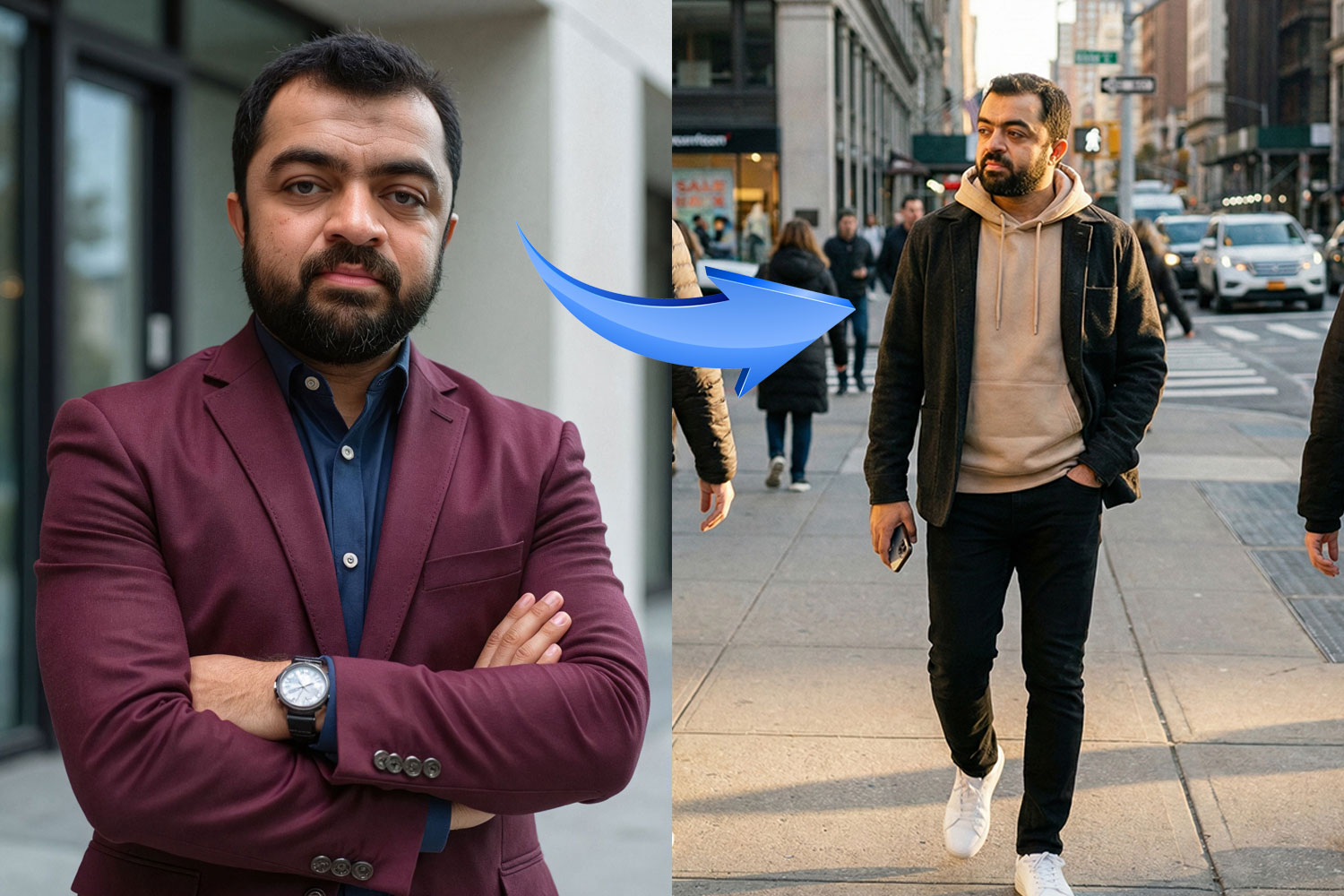
Use the uploaded image as the primary reference and create a premium-quality 3D cartoon sticker pack of the same person.
Ensure the character closely matches the original photo – maintain the same face shape, skin tone, eye shape, hairstyle, and overall recognizable likeness.
Style guidelines:
Pixar/Disney-inspired 3D character design with big expressive eyes, soft rounded facial features, smooth skin texture, detailed hair strands, a slightly oversized head, and small body proportions.
Clothing should be inspired by the reference photo, keeping similar colors, style, and overall vibe.
Generate a complete sticker pack featuring different emotions and poses:
-Thinking 🤔
-Confused 😕
-Winking 😉
-Happy 😊
-Sad 🥺
-Surprised 😮
-In love ❤️
-Angry 😠
-Waving 👋
Each sticker must include:
. Clean white outline
. Soft natural shadow
. Transparent background
. Suitable formatting for WhatsApp and Telegram sticker packs
Use soft, even lighting with vibrant colors, ultra-high resolution, sharp focus, and professional polish. No text, no watermark, no distortion.
Quick Tips for Success
- Be Specific About “You”: Don’t just say “a man with a bear.” Say ” A man with a dark, short, well-groomed beard and curly black hair.” If you are giving more details to AI about your features, you will definitely get more consistent stickers.
- Keep the Style Consistent: Never remove the parts about “Pixar/Disney-inspired 3D character,’ “clean white outline”, or “big expressive eyes.” These ensure it looks like a sticker set and not just random 3D renders.
- Change the Emotion: Once you have the base character working, just change the requested list of emotions at the end of the prompt to get new reactions!